
Table of Contents
This article covers every practical option for a tennis scoreboard template: printable score sheets, editable court layouts and shareable digital graphics. Each format is explained so clubs, coaches and tournament organisers can choose and apply the right solution quickly.
Choose a tennis scoreboard template
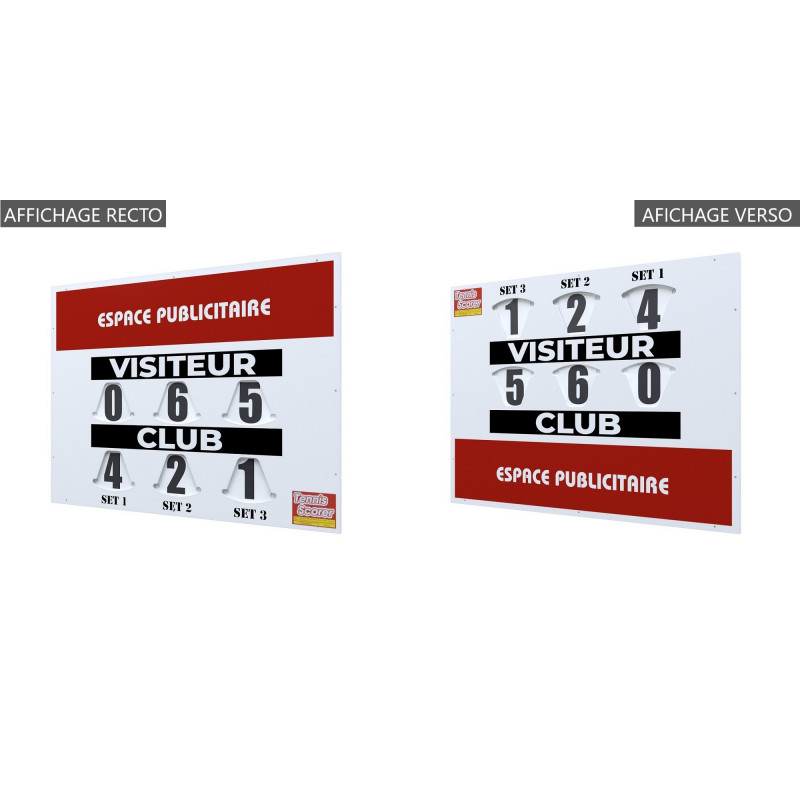
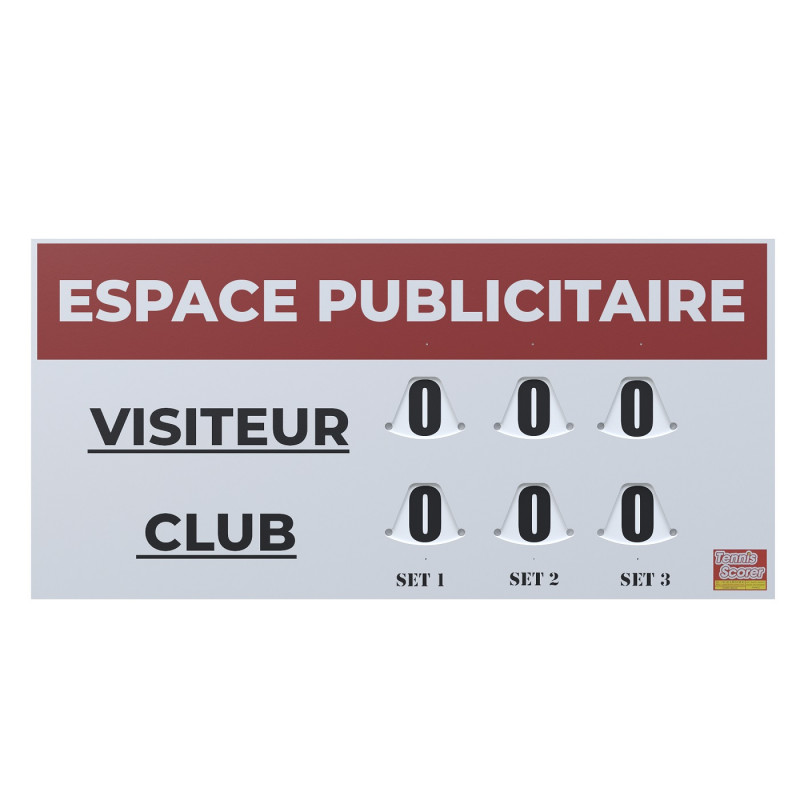
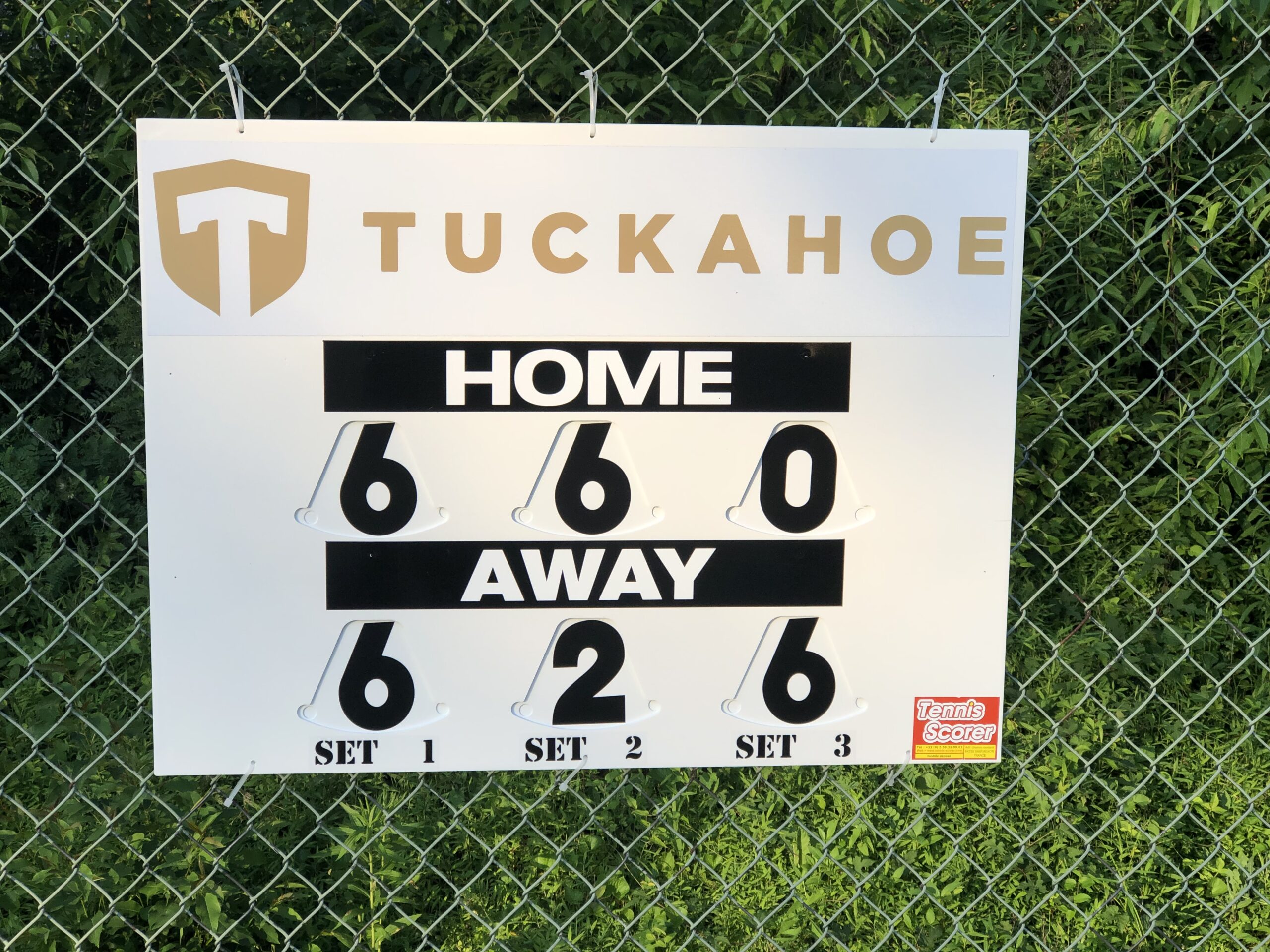
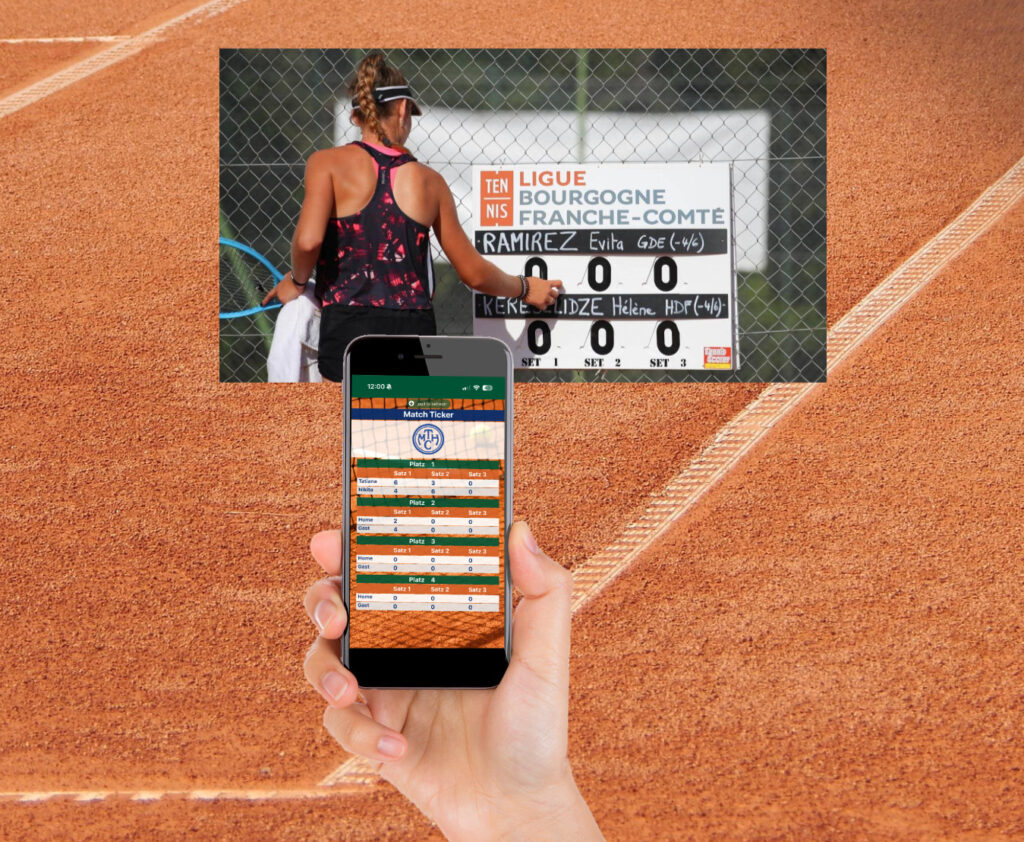
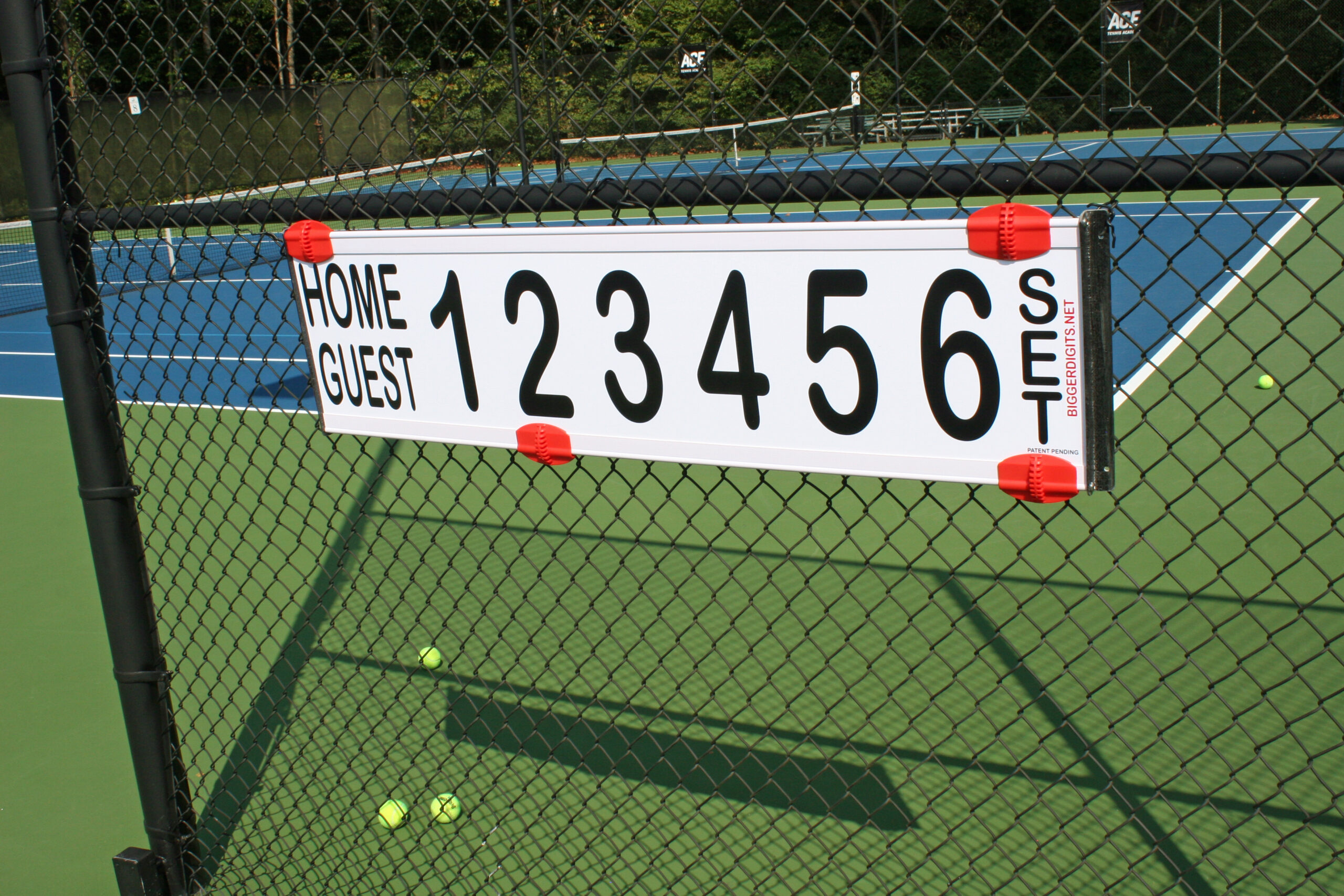
Three routes are available for displaying tennis scores: a permanent physical board on court, a digital platform updated in real time, and a downloadable DIY file for budget-conscious facilities. The best starting point depends on whether the priority is live match tracking, printed records or social media content. For a full overview of the personalised tennis scoreboard options, Tennis Scorer sets out each configuration with specifications for club and tournament use.
Build a tennis score sheet
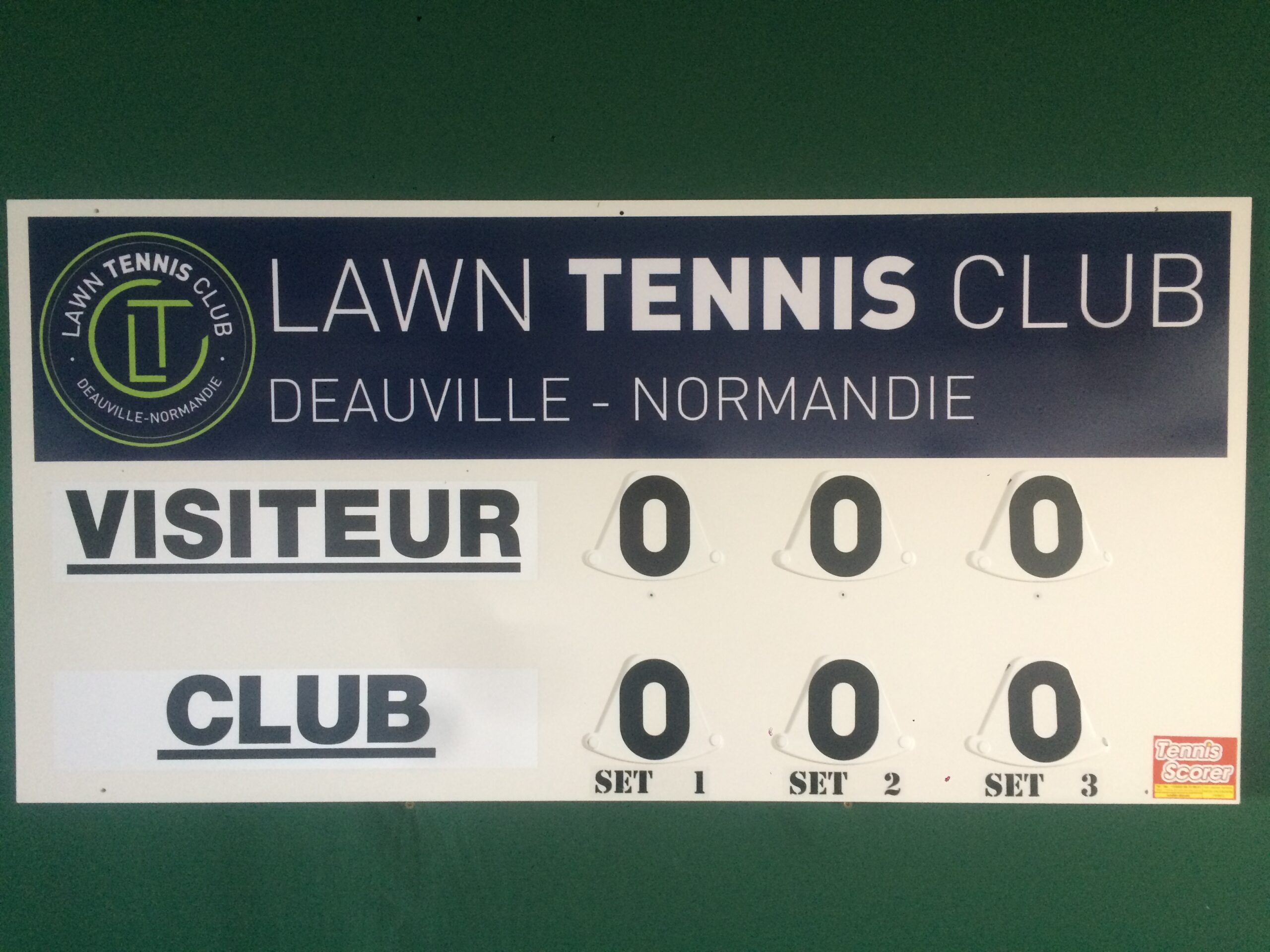
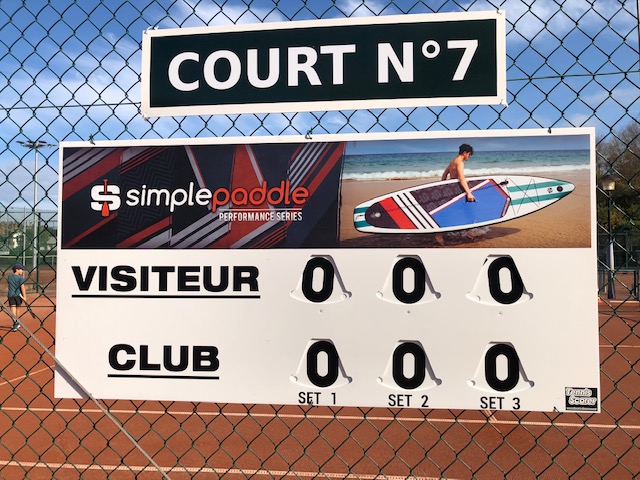
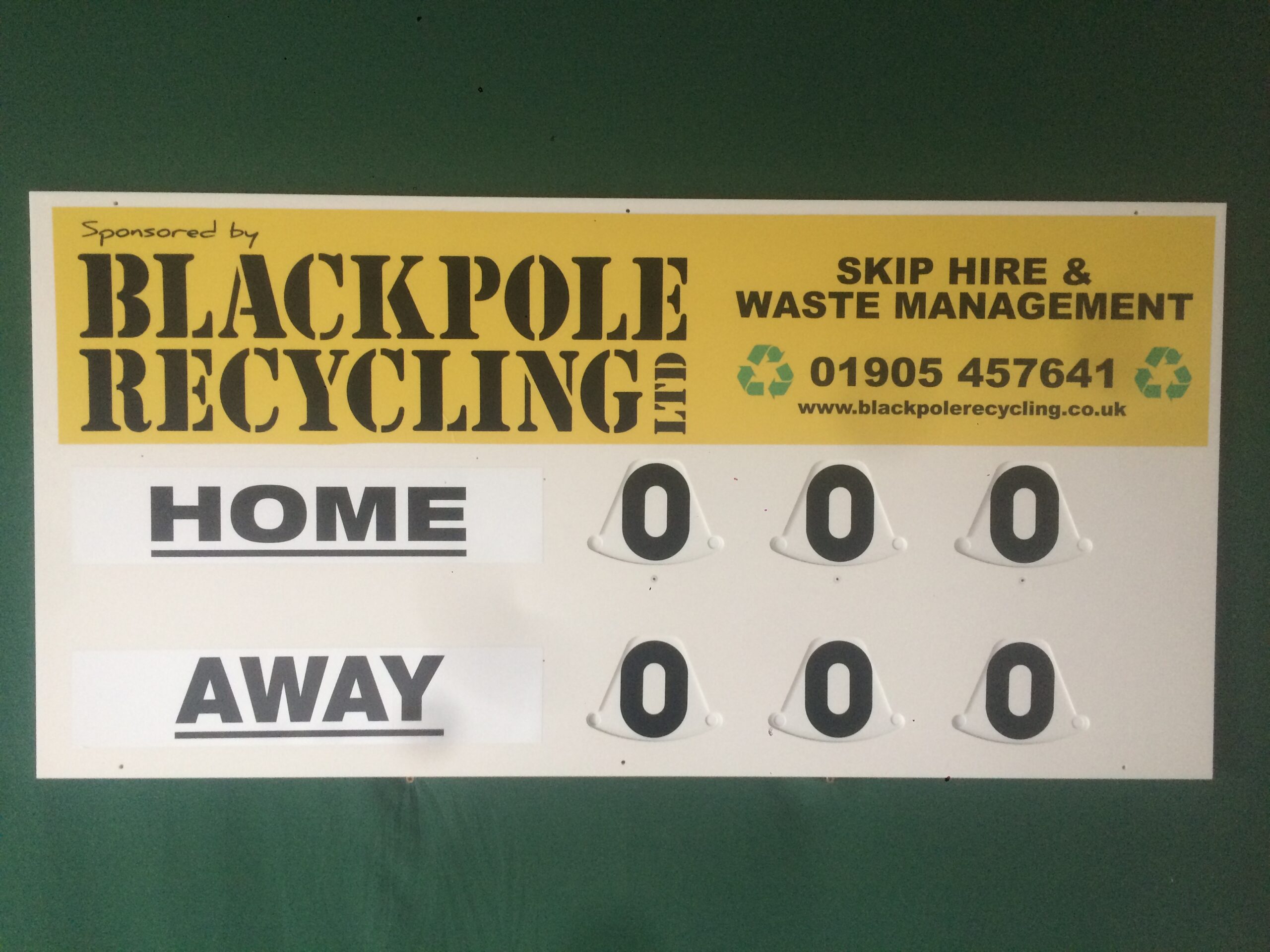
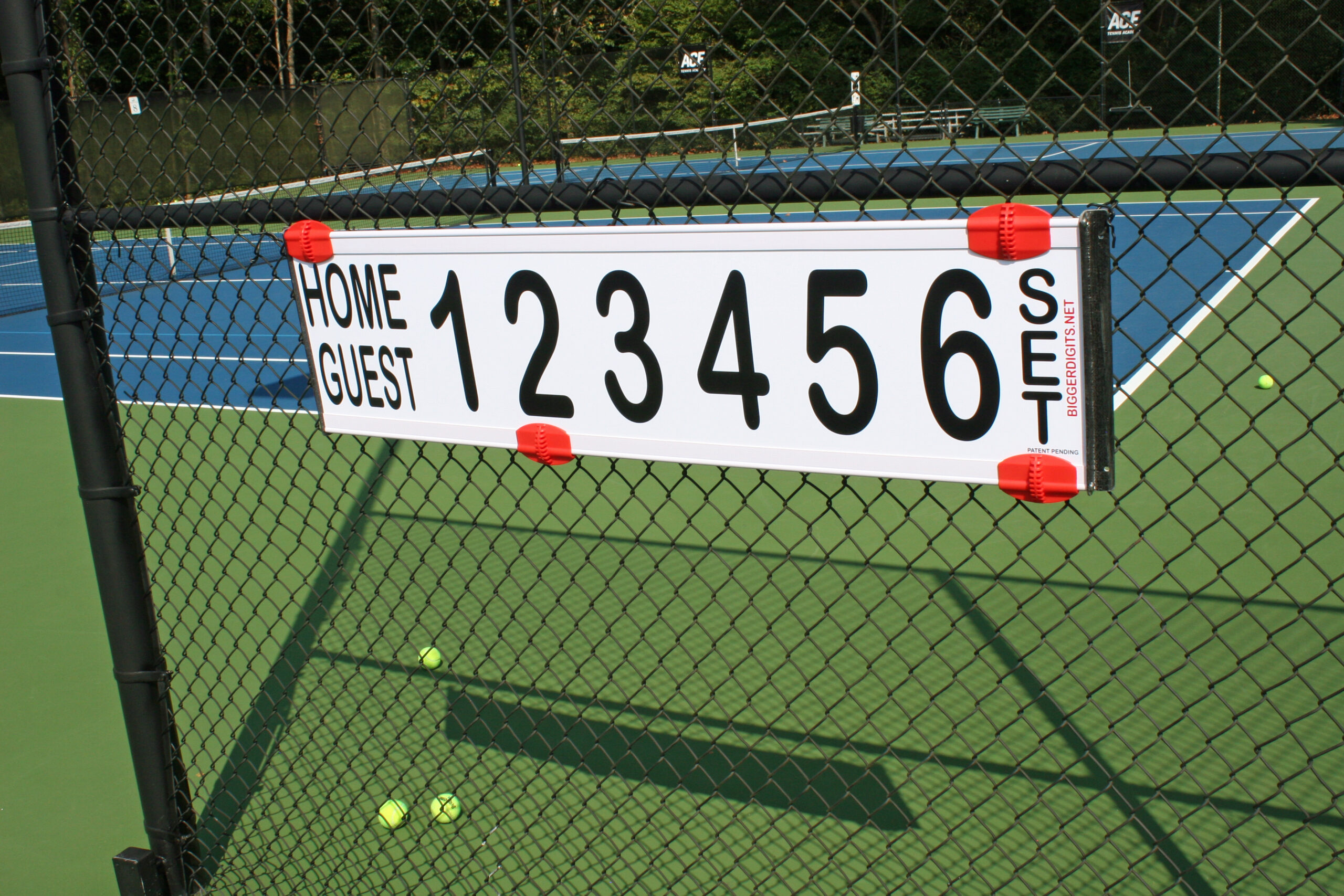
A well-structured design template for a tennis court scoreboard places player names on the left, chronological set columns in the centre and the current-game point display on the right. This arrangement matches the way officials and spectators read a match. Editable online score-sheet templates act as blank, fillable match logs: coaches, players and tournament organisers can complete them in a browser and download the result without creating an account.
- Player name section Two rows, one for each player or doubles pairing, provide space for names, rankings or seedings. Chalk or chalk pens can be used on slate plates.
- Point progression column This displays the standard sequence—love, 15, 30, 40, deuce and advantage—after every rally, separately from the game count.
- Set columns These run from left to right in chronological order. Three columns cover best-of-three matches, while five cover best-of-five; unused columns remain blank when a match ends early.
- Serve indicator A dot or triangle identifies the current server and is repositioned at the start of each new game, keeping serving status clear from the far end of the court.
Free PSD and EPS files allow clubs to edit a selected layout, print it on vinyl or plywood and mount it on a wall or stand. A free tennis score sheet template of this kind suits schools and small facilities where budgets are limited but presentation still matters. For a practical guide to using a tennis scoreboard template, Tennis Scorer explains operation from the first point to the final set.
Create a match-result graphic
A match-result graphic serves a different purpose from live tracking. Tournament highlight reels, club newsletters and social media posts benefit from a polished visual showing the final scoreline. Customisable graphic templates let users add club logos, adjust colours, insert player statistics and choose a format for Twitter, Instagram or Facebook without design experience. For a detailed explanation of how a tennis scoreboard is explained and structured, Tennis Scorer covers every panel and display convention. Completed graphics can be posted online, downloaded for digital display boards or included in printed match programmes.
Understand tennis scores clearly
A tennis scoreboard shows three levels at once: the current game’s point score on the right, the games won in the active set in the central columns, and completed set totals that remain fixed after a set closes. The point display moves through love, 15, 30 and 40 before reaching deuce at 40–40. From deuce, one player must win two consecutive points—advantage, then game—to close the game.
Set structure adds another layer. The first player to reach six games with a two-game margin wins the set, producing scores such as 6–4 or 7–5. At 6–6, a tie-break decides the set, recorded as 7–6 with the tie-break result in brackets; for example, 7–6 (4) records only the losing player’s points. No-Ad and FAST4 formats change these thresholds and should be marked on score sheets used for those matches.
| Score level | Scoreboard position | Updates when |
| Points in current game | Right-hand panel | After every rally |
| Games in active set | Central set column | When a game is won |
| Completed sets | Previous set columns | When a set closes |
| Tie-break result | Brackets beside set score | When tie-break ends |
Share the scoreboard online
Free online platforms remove common barriers to live score sharing: basic scorekeeping requires no software installation, coding knowledge or payment. A user opens a web-based editor, enters team names, selects the tennis format and generates a unique URL that sends live scores to connected desktops, smartphones or tablets without a page refresh. Setup takes between five and ten minutes, and the link works in Android, iOS, Windows and macOS browsers without an account.
- OBS and streaming integration The scoreboard URL can be added to OBS Studio, Streamlabs or vMix as a browser source with a transparent background, matching the visual style of professional broadcasts.
- Multi-device control Several devices can open the controller link at the same time. A chair umpire and line judge, or two captains scoring a club ladder match together, can see changes on the display instantly.
- Tie-break and format options Both 7-point and 10-point tie-breaks are configurable, while No-Ad scoring can be enabled for shorter formats. The board therefore remains accurate across different competition types.
Since 2002, Tennis Scorer has equipped nearly 3,000 clubs and 16,000 courts across Europe and the USA. Its rot-proof PVC physical boards provide the same clear display as digital platforms, while rotating discs show digits readable from over 50 metres. A three-year warranty and zero seasonal maintenance support each board, reflecting more than two decades of manufacturing expertise at the French production facility.
Frequently Asked Questions
Where can I download a free tennis score sheet template?
Several platforms offer a free download of an editable tennis score sheet template in PDF, PSD or EPS format. Basic use requires neither an account nor payment. DIY files let clubs customise the layout, print the result on vinyl or plywood, then mount it on a wall or stand. Browser-based score-sheet editors go further: a coach or tournament organiser can complete the document online and download the finished record immediately. The same options suit single matches and multi-round tournaments without requiring software installation.
What should a tennis scoreboard template include?
A complete tennis scoreboard template needs a player-name section on the left, a central block of set columns in chronological order, and a right-hand panel for the current game’s point display: love, 15, 30, 40, deuce and advantage. A serve indicator, usually a dot or triangle, identifies the current server and moves at the start of each new game. Standard matches need three set columns for best-of-three formats, while best-of-five matches need five. A tie-break row or bracket notation records a 7–6 set score, with the losing player’s tie-break points in parentheses beside the result. Doubles matches need a wider name field so both partners fit on each row.
Can I use a tennis scoreboard template for social media graphics?
Customisable graphic templates are designed for social media, with dimensions suited to Twitter, Instagram and Facebook posts. A user selects a design, such as a grass-court, clay-court or slam score-update style, then adds a club logo, changes the board and text colours, inserts player names and highlights, and exports the finished graphic. The image can be posted directly, scheduled for later, downloaded for a digital display screen, or embedded in an e-newsletter. No design experience is required. Depending on the chosen format, the same template can serve as a static image, motion graphic or video overlay.